Core Features


Setup
1Drag the .rbxm into Studio
2Hit Install in the plugin
3Flip on the announcements you want. Press Play.
Developer API
Easy to use
local Notify = require(game.ReplicatedStorage.RBLXEssentials.Packs.NotificationsSystem.Notify)

-- A card, to one player.
Notify.Toast(player, "TitleSubtitle", { Title = "Level up!", Subtitle = "You reached level 10" })

-- The banner, to everyone. One line or two, from what you pass.
Notify.BannerAll({ Title = "Boss event", Subtitle = "The arena opens in 30 seconds" })

-- A chat line, in the colour you choose.
Notify.Chat("Double XP is live for the next hour!", Color3.fromRGB(255, 215, 0))Customisation
Automatic connection with your other packs
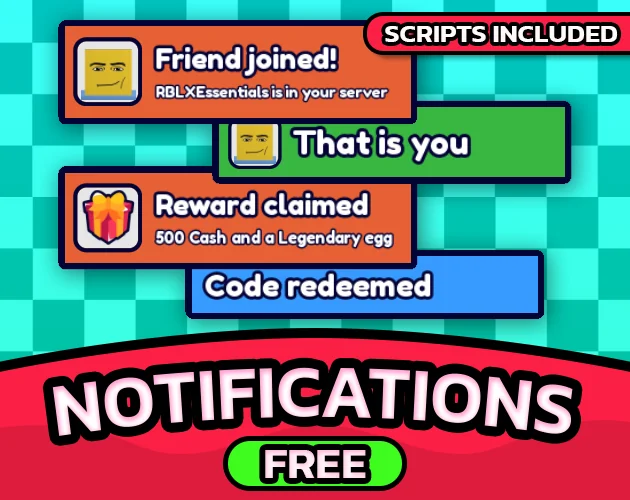
 Install it next to the rest and they announce themselves, with nothing to wire up: a code redeemed, a pet hatching, a free spin coming round, a session gift ready to claim. Each pack asks for a notification and gets one when this is installed, and stays quiet when it is not.
Restyle it like any GUI
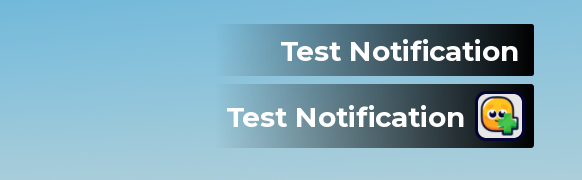 Templates are frames in StarterGui. Duplicate one and it works: a template carries its behaviour on itself as attributes, so its duration, animation, stacking direction and sound all travel with the copy.
Seven templates
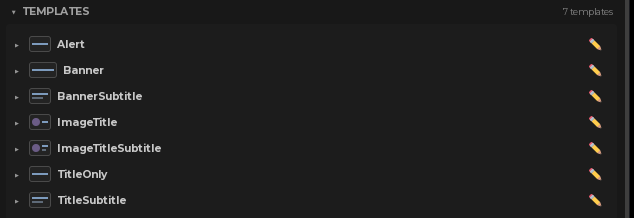 Each one is the anchor of its own stack, so where you move a template in Studio is where its notifications appear.
- TitleOnly: one line on a small card
- TitleSubtitle: a title with a second line under it
- ImageTitle: a picture beside one line
- ImageTitleSubtitle: a picture beside two
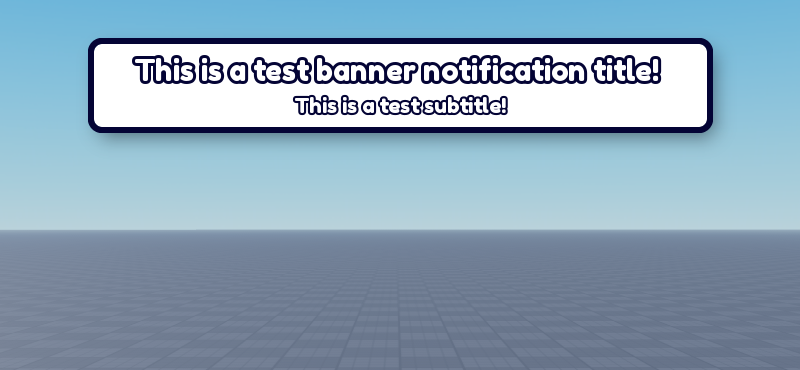
- Banner: a wide card across the middle of the screen
- BannerSubtitle: the same banner, with a second line
- Alert: red text at the bottom, no card behind it, for what could not be done
Template settings
 A live render of the card, then every attribute that decides how it behaves. They live on the frame itself, so duplicating a template in the explorer gives you a working new one.
- Duration: how many seconds it stays on screen
- Stack direction: which way the column grows: Down, Up, Left, Right, or away from the nearest edge on its own
- Max on screen: how many of this template fit at once; the oldest makes way for the newest
- Stack group: templates sharing a name queue in one column instead of landing on top of each other
- Sound: an SFX from Sound System, played as it appears
- Animation: Slide, Fade or Pop
- Slides in from: which edge it enters from. It changes the entry only. The card still stops where you put it
Custom module switches
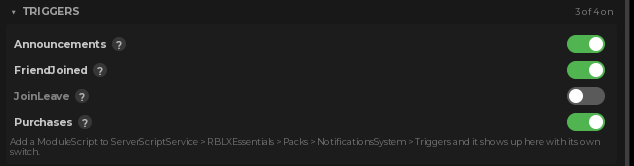 Turn the pack's announcements on and off. Each one is a ModuleScript in ServerScriptService > RBLXEssentials > Packs > NotificationsSystem > Triggers, so you can open it and change what it says, and anything you drop in there appears here with a switch of its own.
Rotating messages
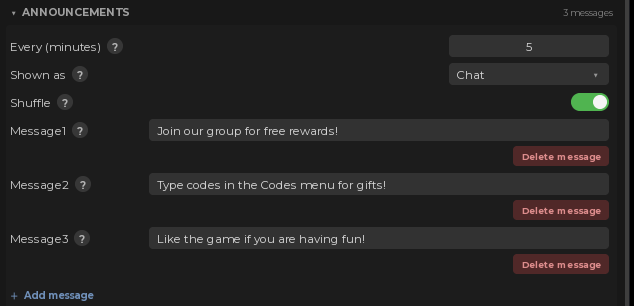 Messages that rotate on a timer, as chat lines or as toasts. Add and delete as many as you like.
Works great with
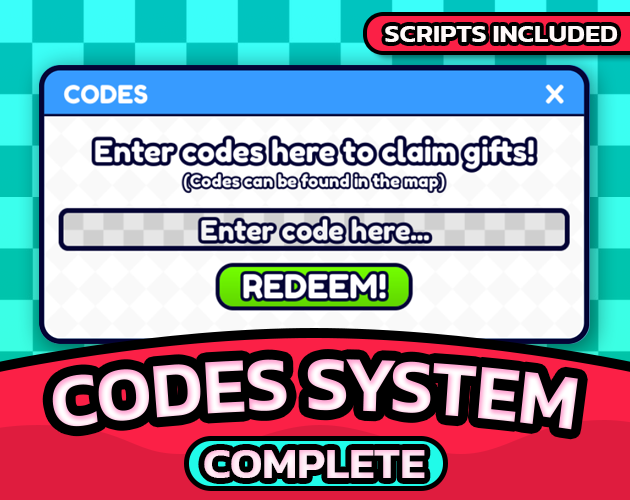 Redeems
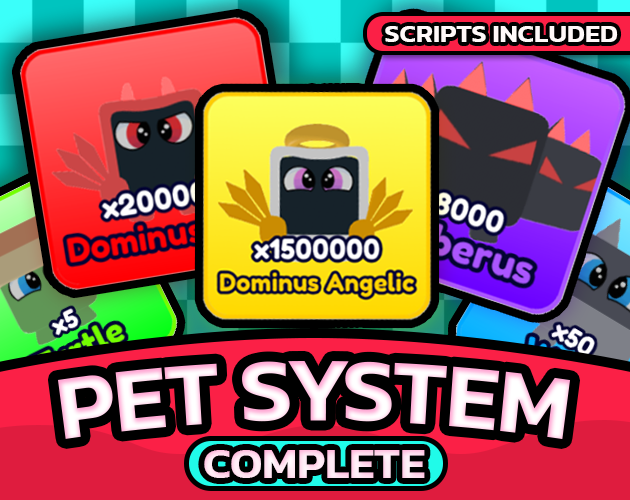 Hatches
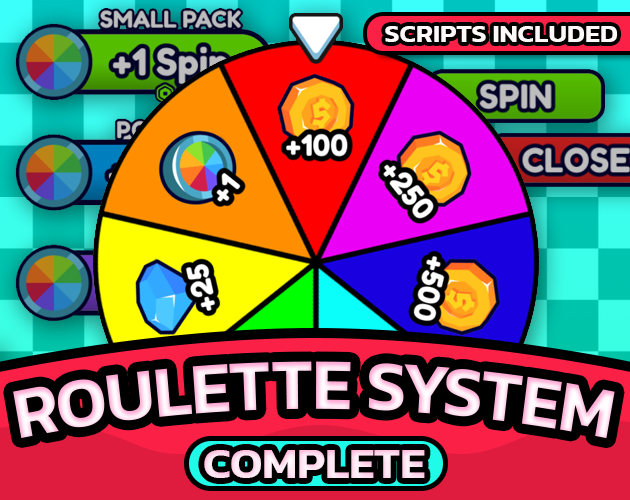 Spins
Spins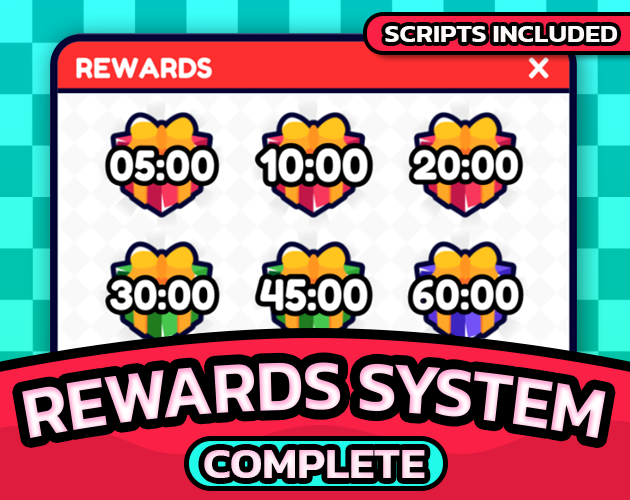 Gifts
Gifts Purchases
 Sounds
None of them are required. Each one asks for a notification the same way, gets one when this pack is installed, and carries on without it when it is not, so you can add this last and change nothing else.
Documentation
Every field, the plugin panels and the version history live at rblxessentials.com/docs.
Updates
📋 Version history and changelogs for all packs are available at rblxessentials.com/docs#changelog.