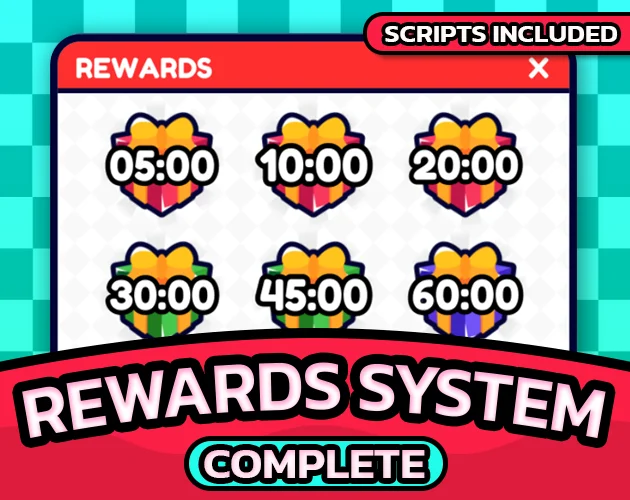
Core Features
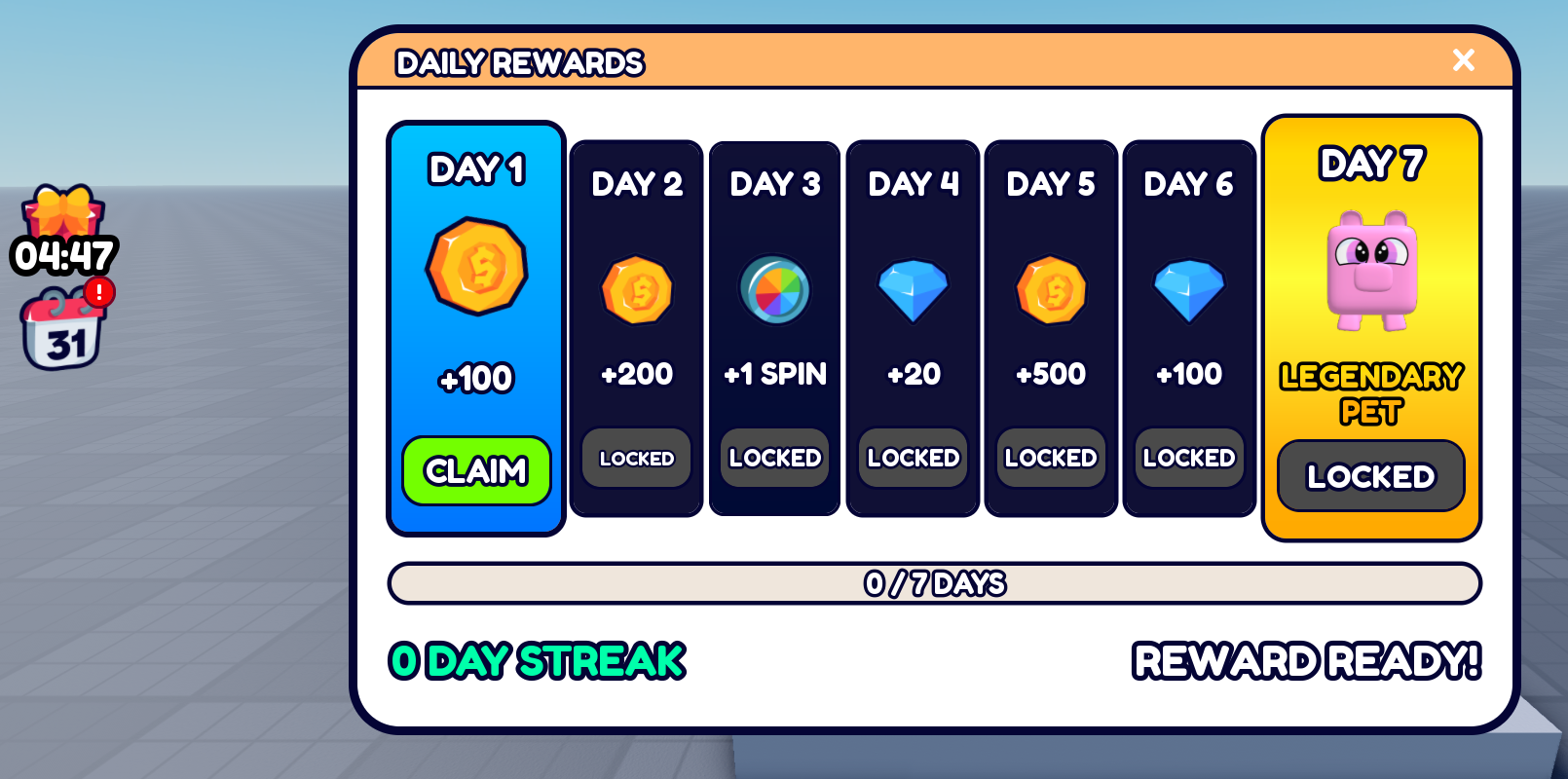
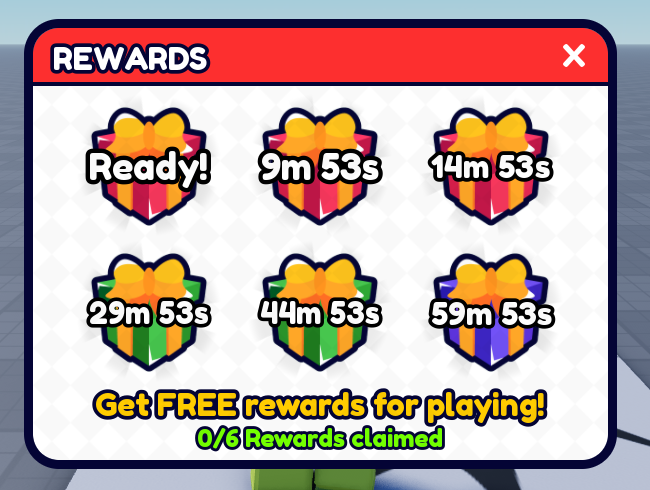
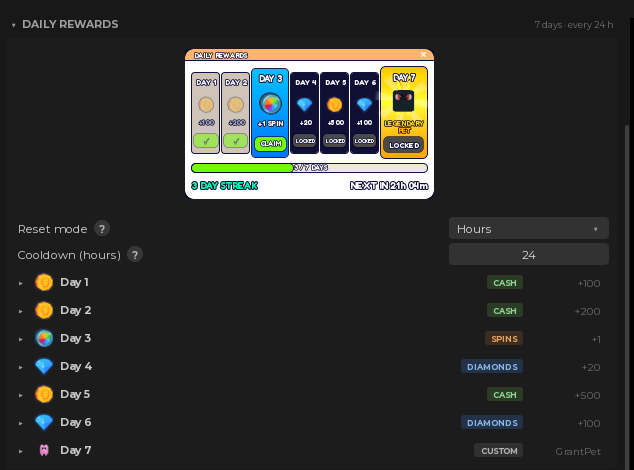
Setup
Developer API
TimeRewardsSystem: claim & inspect
local rewards = ctx.require("TimeRewardsSystem")

-- Where they are in the cycle, and how long until the next.
local daily = rewards.getDaily(player)
print(daily.dayIndex, daily.cooldownRemaining)

-- Second return: the new state, or why it was refused.
local ok, result = rewards.claimDaily(player)

if ok then
    print("claimed day", result.dayIndex)
else
    print(result)  -- "OnCooldown"
end

-- The session half, by gift number.
rewards.claim(player, 3)- NotReady: those minutes have not been played yet
- AlreadyClaimed: this one is already taken
- OnCooldown: the next day is not open yet
- NoSuchDay: nothing configured in that slot
- DayDisabled: misconfigured, switched off at startup
- NoData: the save has not loaded yet
Claim RemoteFunctions: for your own UI
-- From a LocalScript, if you swap in your own menus
local RS = game:GetService("ReplicatedStorage")
local kernel = RS.RBLXEssentials.Kernel
local remotes = kernel.Remotes.TimeRewardsSystem

local reply = remotes.ClaimDaily:InvokeServer()

if reply.Success then
    print(reply.Daily.streak, reply.Daily.dayIndex)
else
    print(reply.Error)  -- one of the reasons above
end

-- A session gift, by number.
remotes.ClaimGift:InvokeServer(3)Customisation
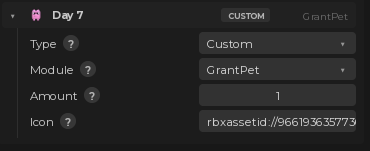
Custom rewards
Or design the menus yourself
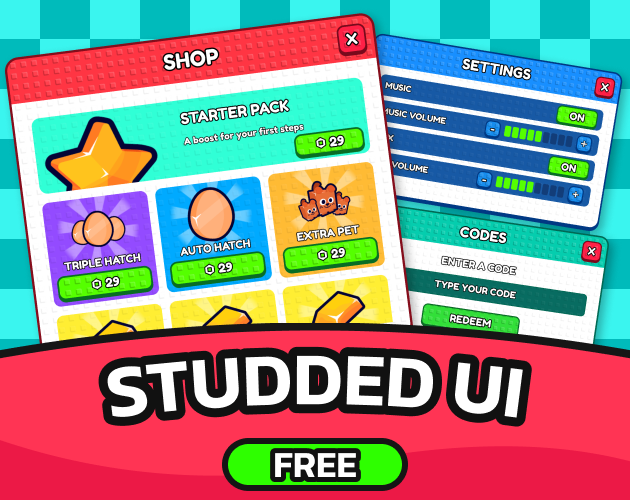
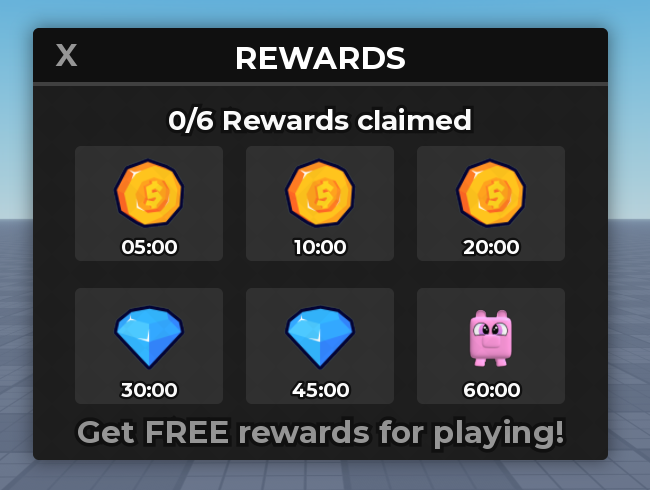 Restyle them however you like. The pack finds each day and gift by name, not by look.
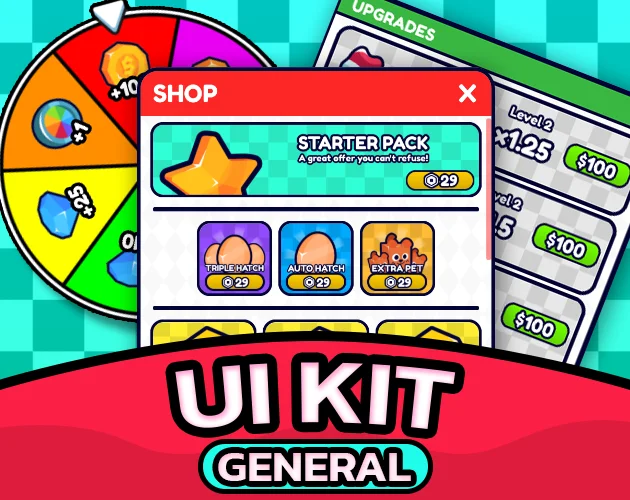
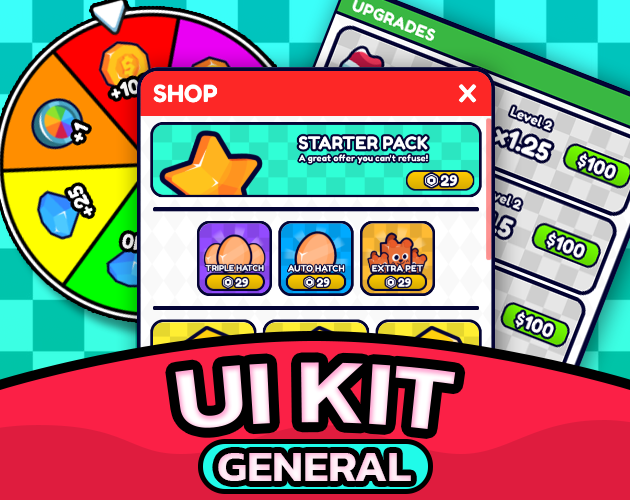
Works with General UI Kit
 Install both and the two HUD buttons take their place on General UI Kit's rail, countdown and badge included, with the menus styled like the rest of your interface.
Works great with
 Required
 Styling
 Spins
Spins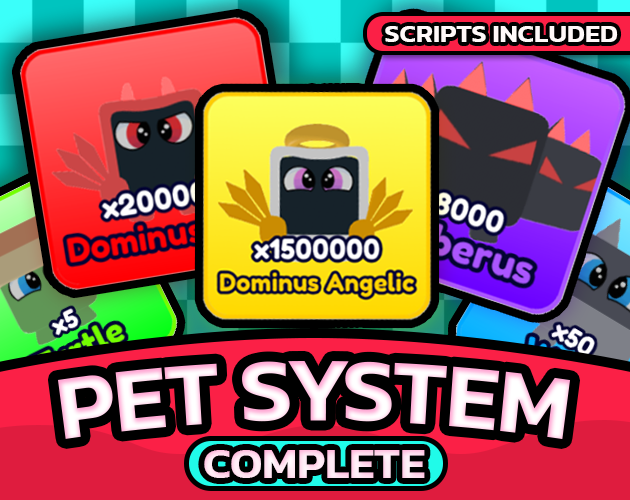 Pets
Pets Sounds
Only Datastore & Purchase System is required, because it is what remembers the streak between sessions. The other four are optional and the pack works without any of them.
Documentation
Every field, the plugin panels and the version history live at rblxessentials.com/docs.
Updates
📋 Version history and changelogs for all packs are available at rblxessentials.com/docs#changelog.