
Core Features
Version 2.1.0: Update DataStore, Easy Pet System and Roulette together. Back up customized pack folders first. Restart old servers after updating; keep StoreVersion and existing player data unchanged.
Setup
Developer API
Reading and writing a save
local ds = ctx.require("DatastorePurchaseSystem")

-- A key is a path, however deep your tree goes.
local cash = ds.GetValue(player, "Stats.Cash")

ds.SetValue(player, "Stats.Wins", 1)

-- Increment returns the new value. The last argument
-- is a floor, so spending cannot go below zero.
ds.Increment(player, "Stats.Cash", -250, 0)

-- Or edit the whole table at once.
ds.Update(player, function(data)
    data.Stats.Cash += 100
end)Passes and developer products
local ds = ctx.require("DatastorePurchaseSystem")

-- Cached per session, and remembered in the save.
if ds.HasPass(player, 123456789) then
    -- give them the perk
end

-- One handler per product. Return true and the
-- receipt is closed, once, never twice.
ds.registerHandler(987654321, function(player, receipt)
    ds.Increment(player, "Stats.Cash", 1000)
    return true
end)Customisation
Add a key without touching a script
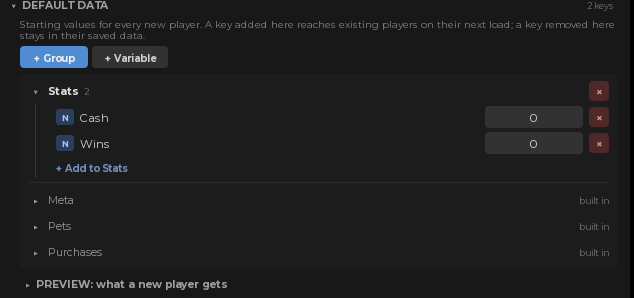
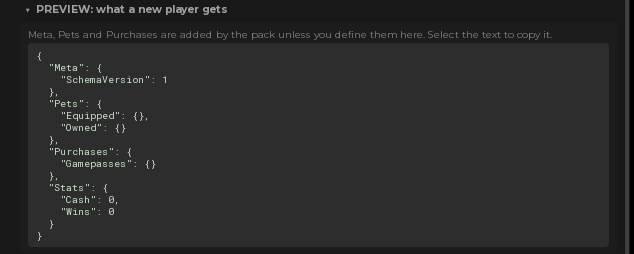
 + Variable takes a name and a type. + Group makes a folder to put them in, so a save can be as flat or as nested as your game wants. The path you type in code is just the names joined by dots.
Buy everything for free while you build
 FreeMode makes every pass read as owned and every product grant itself, without Robux and without a prompt. It is how you test a purchase path fifty times in an afternoon. Switch it off before you publish.
How often it saves
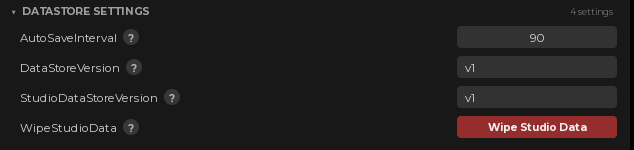
The auto save interval is a number in the plugin, ninety seconds out of the box. Saves are spread out and retried rather than fired all at once, so a full server does not spend its request budget in one burst, and a player who leaves is written immediately regardless of where the timer was.When a save cannot be read
A player whose data fails to load is not dropped into the game with an empty save. They are told to rejoin, and their real data is still there when they do. This is the one case where doing nothing would quietly cost someone their progress.Works great with
 Ranks it
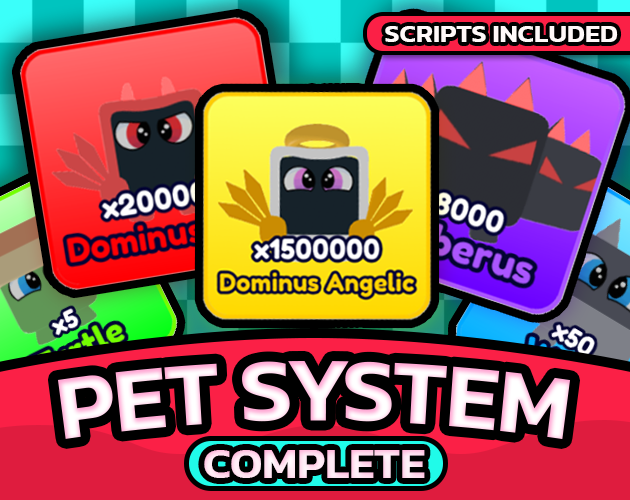 Pets
Pets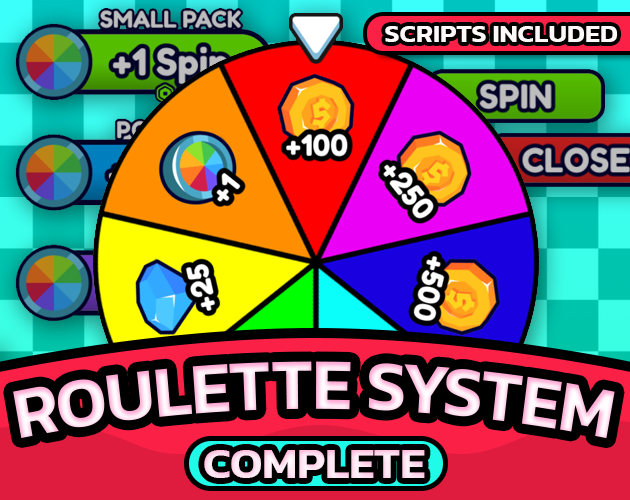 Spins
Spins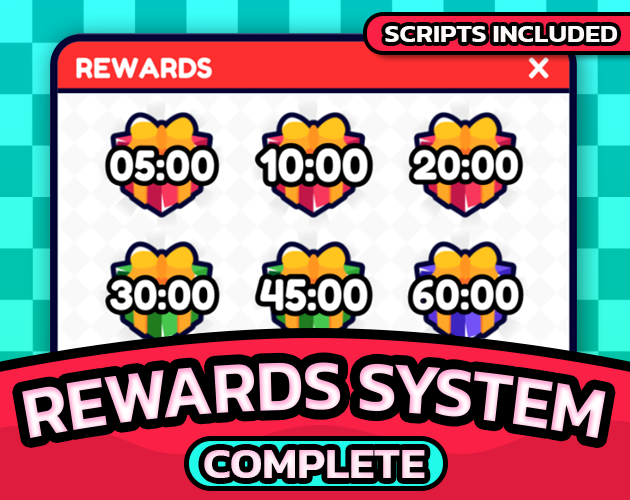 Streaks
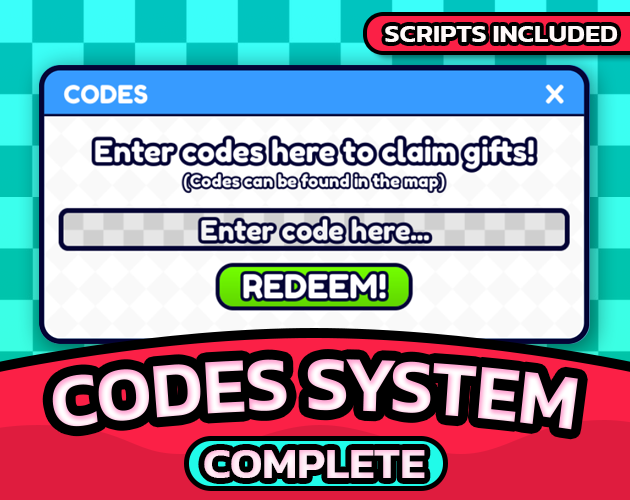 Redeems
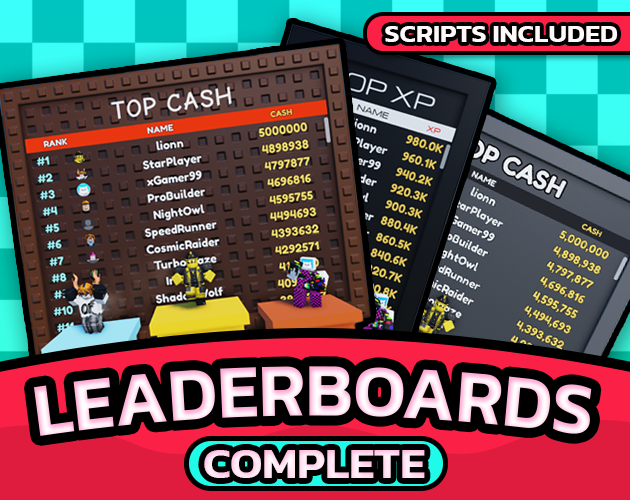
These all keep their numbers in this one save, which is why a code, a spin and an egg can all pay out cash and the leaderboard ranks the total without anything being wired between them.
Documentation
Every setting, the plugin panels and the version history live at rblxessentials.com/docs.
Updates
📋 Version history and changelogs for all packs are available at rblxessentials.com/docs#changelog.